Your AI interior architect
See anything you love in your home before you buy.
Upload a photo, link your store, sell faster. AuraHome places any product you find in a photo of your own room — right where you say — and every item comes with its real store link.
Real products. Real store links. Ready in seconds.
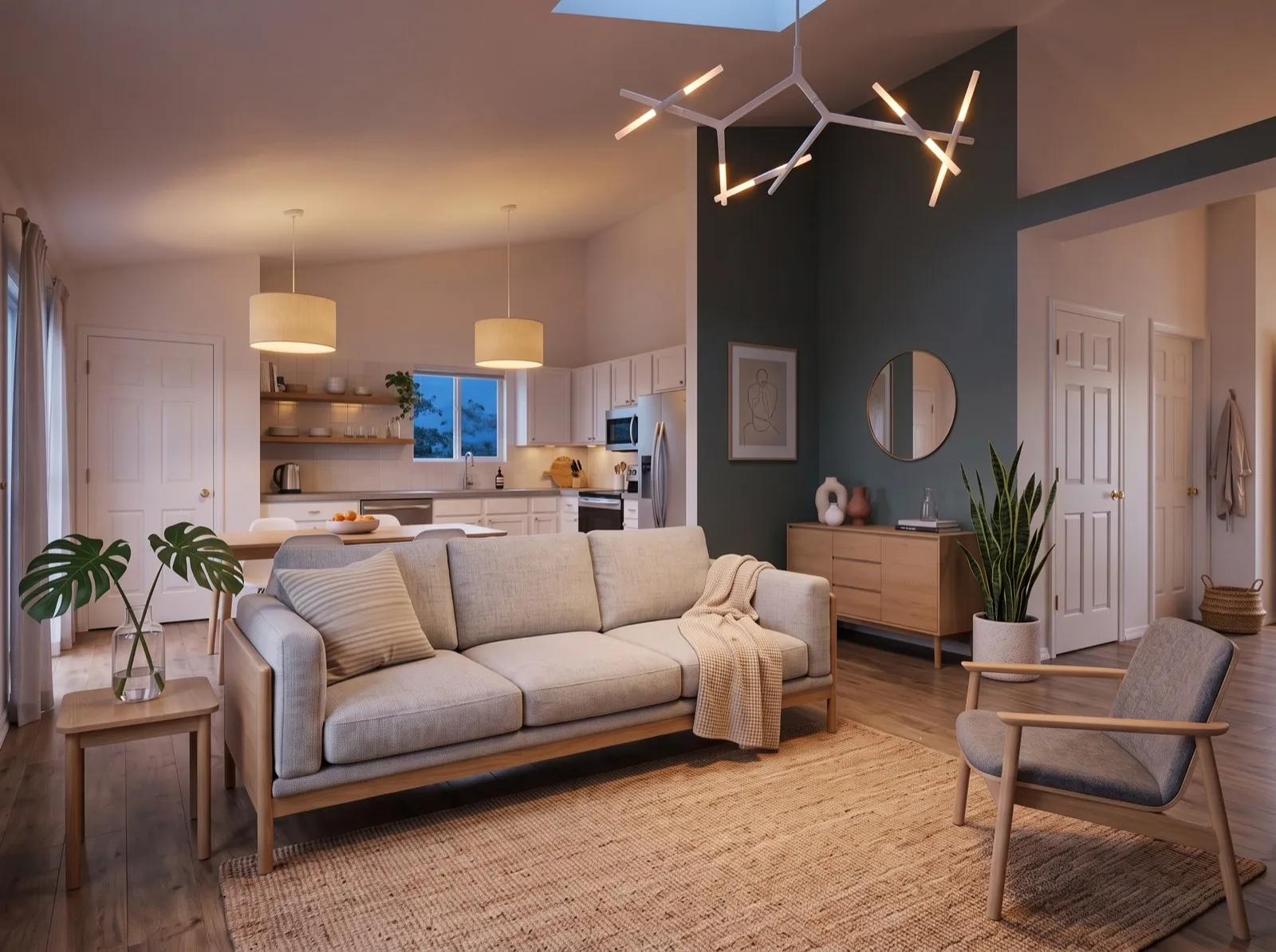
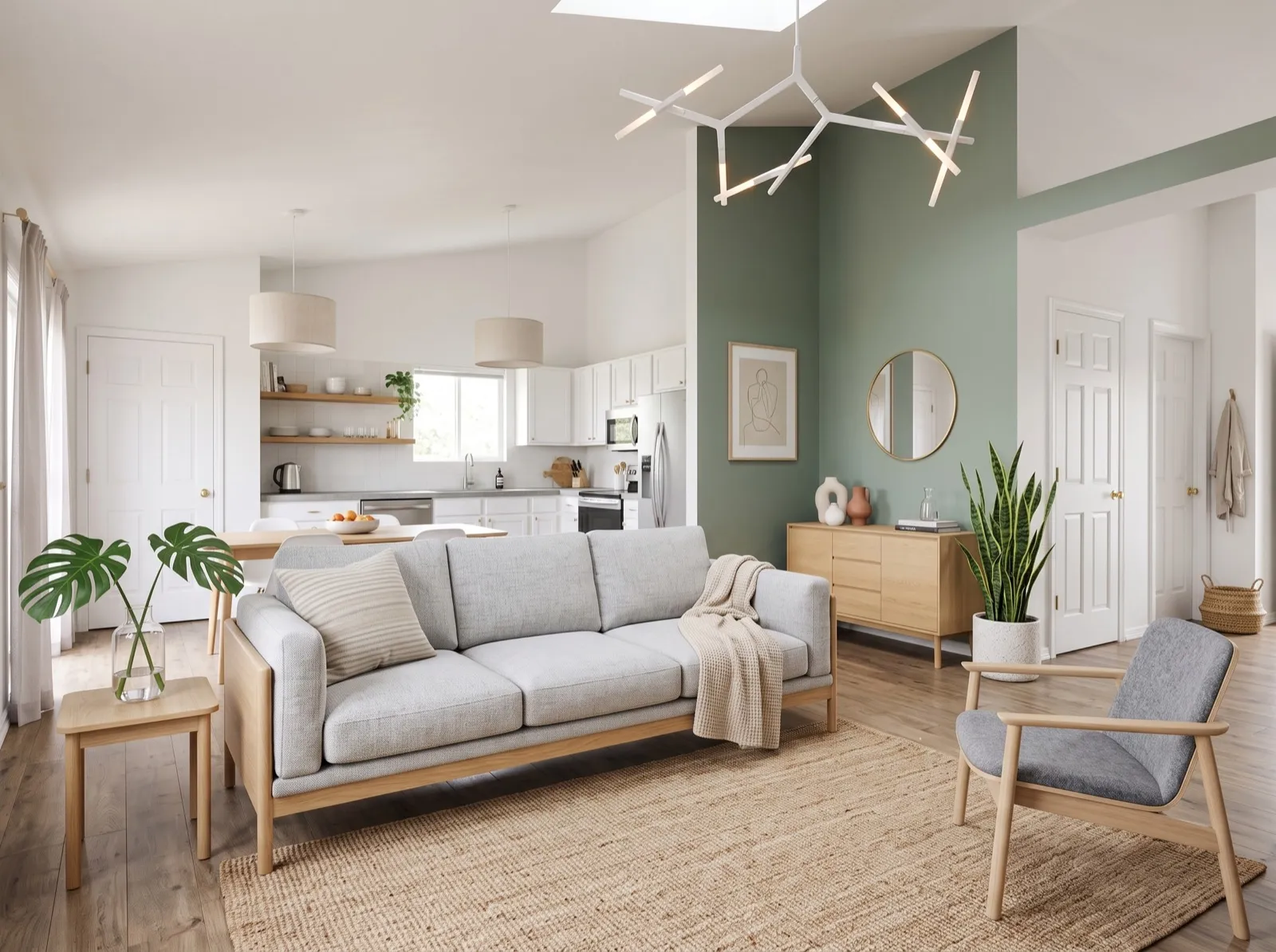
- 1
- 2
- 3
- 4
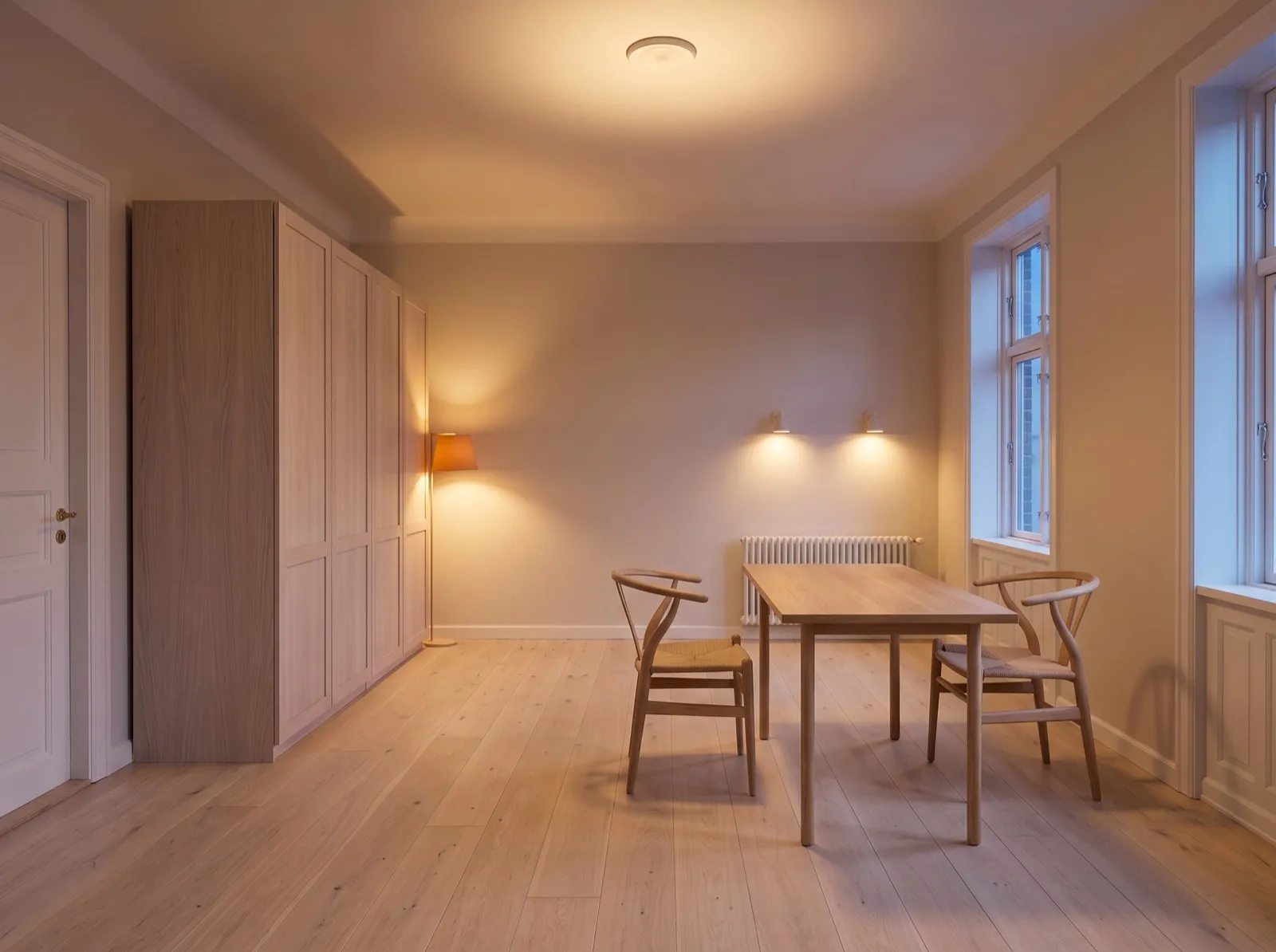
Before / After
Your room in, finished design out.
The room you photographed on the left, the finished design on the right — same walls, same windows, new room. Drag the handle to compare.
After- 1
- 2
- 3
- 4
 Before
Drag, or use the arrow keys
How it works
From a snapshot to a shoppable design
Snap a photo
Point your phone at the room from a corner. Keep the furniture you own or start from an empty room — your call.
Pick a style — or blend two
Twelve styles, from Japandi to Art Deco. Blend any two by percentage: say 70% Scandinavian, 30% Mid-Century.
Get your design, shop every item
Your room in day and evening light, in seconds. Tap any item to see the matching product, its price and the store link.
Shop the design
Every item comes with a link
When your design is ready, every object in the room is matched to a real store product. Product name, store, price and a direct link to buy sit right on the design as numbered dots — one tap takes you to the store.
- 1
- 2
- 3
- 4
EKENÄSET armchair, grey
IKEA$317
Denfilade oak sideboard, 3 drawers
Woodoviaa$1,422
LISABO ash dining table
IKEA$244
GUTTANE oak side table 58×39
IKEA$98
Approximate prices in US dollars, last checked on September 5, 2026. Store prices and stock can change.
Features
Everything you need to actually do it
Not a mood board. A design you can shop, edit and print.
One photo is enough
Shoot from a corner with your phone. No measuring, no floor plan, no scanning.
12 styles, blend any two
Japandi, Modern Luxury, Boho, Quiet Luxury, Scandinavian, Mid-Century, Industrial, Mediterranean, Minimal, Art Deco, Coastal, Rustic. Mix two by percentage.
Day + evening light, free
Every design comes as a daylight and an evening-light version of the same room. Both count as one room design.
Quick edits in one sentence
“Swap the sofa for a green one.” “Warmer lamps.” Say it, and the room updates — for half a room design.
Ultra quality for print
Need it on a wall or in a client deck? Render in Ultra for finer detail and cleaner textures.
Every item is a real product — with a link
Products are matched by visual search across stores. Name, price and the store link sit on the design; when there is no exact match, we say so — “Closest match”.
Community
Upload a photo, link your store, sell faster.
A feed shared by the people using the app, carrying two kinds of posts: a product (its photo, store link and price) and a room design you generated yourself. Every post is reviewed before it goes live. Sharing is your choice: your designs are private by default, and the room photo you upload is never shared.
Upload a photo
One clear photo of a single product. No room shots, no collages, no people.
Add your store link
Paste the https purchase link and the price. The same link can sit on your profile too.
Your followers see it in their room
Anyone who likes it places it in a photo of their own room — and buys it from your link.
Discover feed
Discover shows the products and room designs shared by public accounts, ranked with engagement such as likes and saves; the Following tab narrows it to the people you follow.
Share a product or a design
Two kinds of post: a photo of one product with its https purchase link and price, or a finished room design you generated. If your profile is private, only your followers see your post.
Search ideas, products and people
Search by room and style, by product, or by @username — with your recent searches one tap away.
Saved items and collections
Bookmark posts and products, then group them into collections. Your collections are visible only to you.
Follow, and get notified
Follow the people whose taste you like. Likes, saves, new followers and the outcome of your own review land in Notifications.
Your store link on your profile
If you sell, your profile can carry one https store link, visible to everyone who opens your profile.
Rules, review and reporting
Before your first post you read and accept the community rules, and every post — product or design — is reviewed before it goes live; a post that breaks the rules, shows no product where a product post is expected, or carries an invalid link is never published, and you are told why. Any post can be reported; we review reports within 24 hours and a post that collects enough reports is hidden while it waits. Blocking is mutual: you stop seeing that person and they stop seeing you.
Read the community rulesMade in the app
Real rooms, designed by AuraHome
Renders straight from the app. No retouching — switch the light on each room.
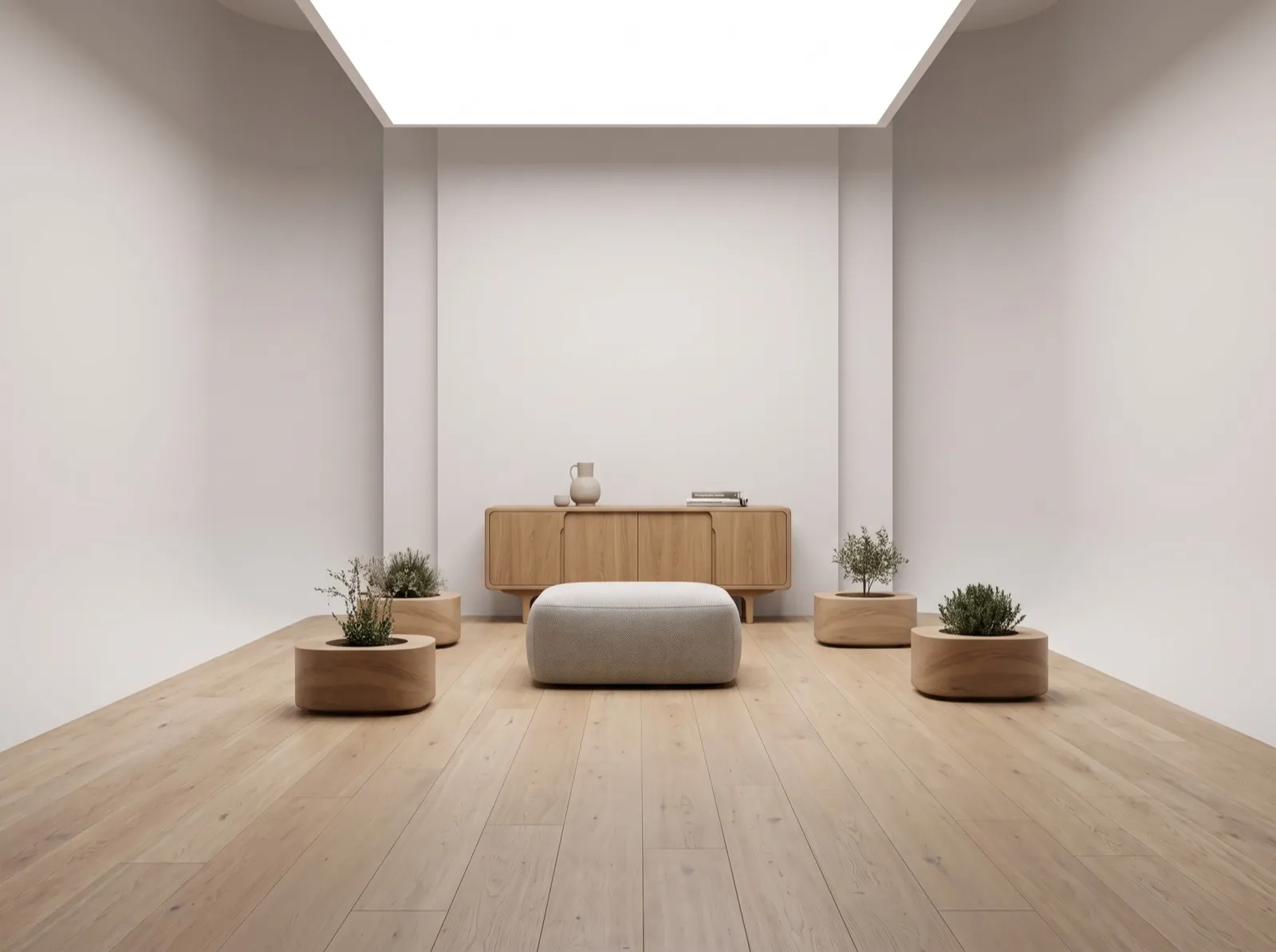
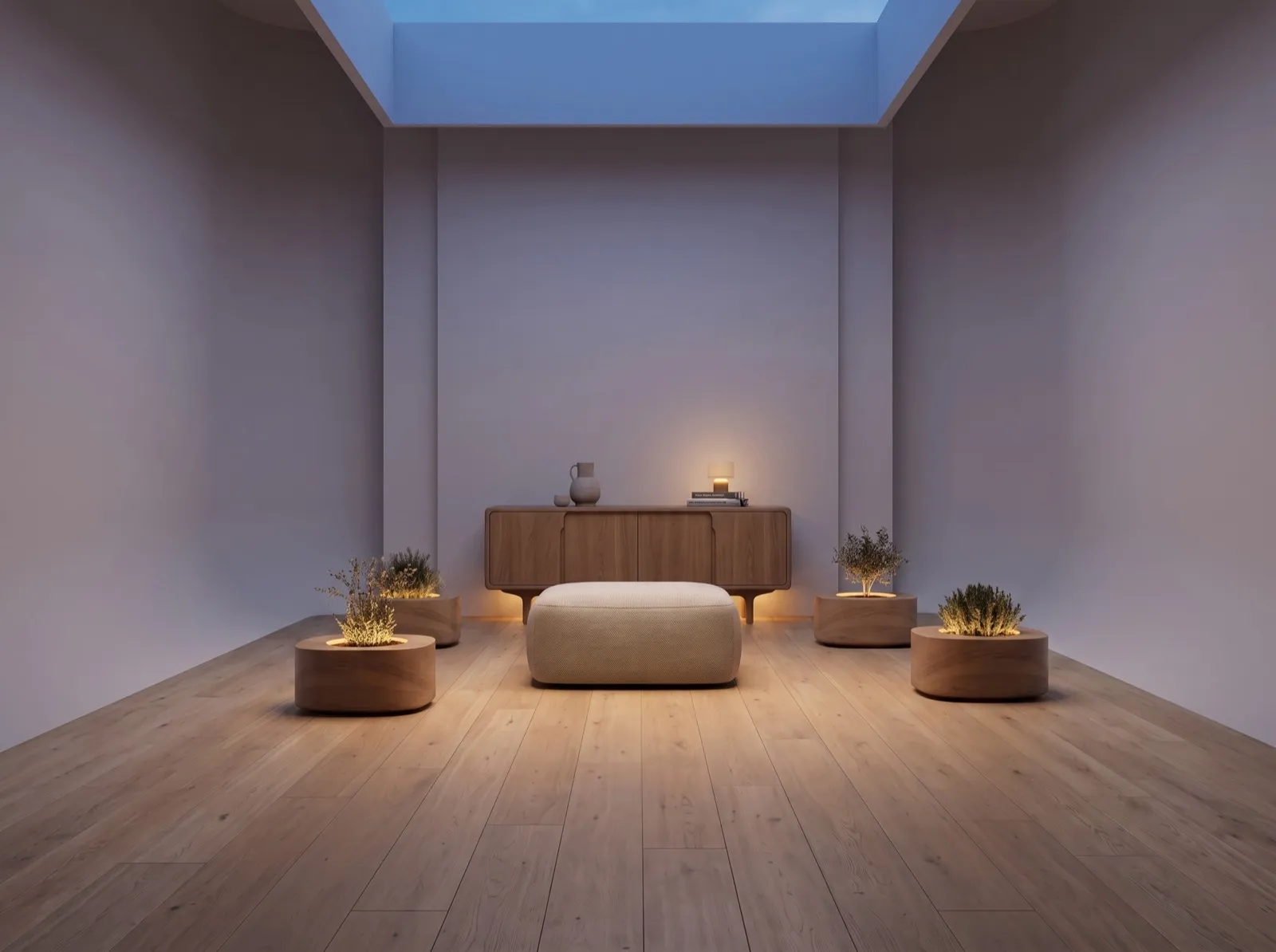
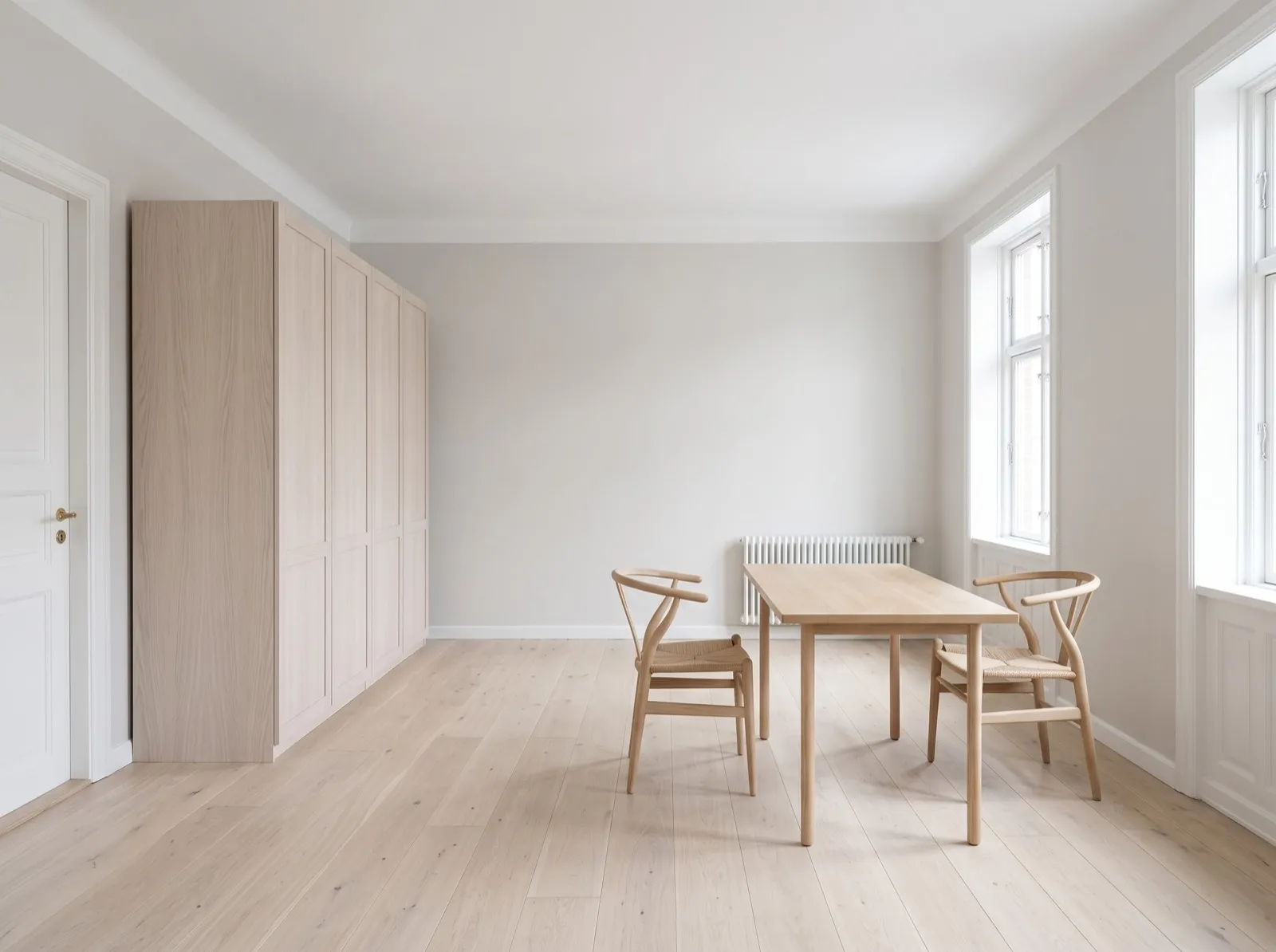
Every design comes in day and evening light — both count as one room design.
Pricing
One plan. Every feature.
Premium unlocks the whole app. Your first room is free before you decide anything.
40 room designs a month
Every design in day and evening light.
Billed monthly. Cancel anytime.
Local pricing is shown in the App Store and Google Play.
Start with a free roomJoin free, no card needed — upgrade only when you want more.
- All 12 styles and style blending
- Day + evening light on every room
- Quick edits and Ultra quality
- Real-product matching with prices and store links
- Cancel anytime from your store account
What each action costs
| Action | Room designs |
|---|---|
| A full room design, in day and evening light | 1 |
| Ultra quality, for print and client decks | 2 |
| Quick revision — one sentence, same room | ½ |
| Object edit — swapping a single item | 0.7 |
A design that fails on our side is returned to your allowance automatically.
FAQ
Questions, answered
Is my room photo private?
Yes. Your photo is used only to generate your design. It is passed to our AI infrastructure provider solely for the duration of generation and is not retained by them. The room photo itself is never posted to the community feed; a design you generate is shared only if you choose to share it yourself, and if your profile is private only your followers see it. We never use your photos for advertising or to train models, and we never sell data. You can delete your photos and your account at any time, and you have the full set of rights under GDPR and KVKK.
Are the products in the design real?
Yes. Each item in a finished design is matched to a real product from a store using visual search — and you get the store link, with the product name and price, right on the design. When there is no exact match we show the closest one and label it “Closest match”. Prices and stock belong to the store and can change.
What can people share in the community?
Two kinds of post: (a) a product — one photo of a single product, its https purchase link, its price and a short title; (b) a room design you generated yourself — the design image, a short title and a note. Sharing is your choice; no design is ever published on its own. The room photo you uploaded and “See it in my room” results cannot be shared, and screenshots, collages, frames with recognizable people and identifying details such as a home address or door number are not accepted.
Is every post checked before it appears?
Yes. Every post is reviewed before it goes live, so a post that fails review is never published — nobody sees it and it never reaches the feed. You are told which rule it missed: no product in the frame, content against the rules, an invalid purchase link, or a review we could not complete at that moment.
How do I report a post or block someone?
Every post has a “Report this post” action with a reason — spam or misleading, nudity, violence, hate speech, copyright, or other. We review reports within 24 hours, and a post that collects enough reports is hidden automatically while it waits. You can also block a person from the same menu: blocking is mutual, and you can undo it from Settings → Blocked users.
Do I have to share anything to use the app?
No. Designing rooms and browsing the feed need no posting at all. You only accept the community rules the first time you share a product or a design, and you can delete a post you shared.
Do I need a subscription to try it?
No. Your first room is free the moment you sign up — a full design in day and evening light, no trial period and no card required. Premium is there when you want more.
How do I cancel?
From your subscription settings in the App Store or Google Play, at any time. You keep access until the end of the period you already paid for.
What happens to my room allowance if a design fails?
If a generation fails because of an error on our side, the room is returned to your allowance automatically. Nothing is returned for generations rejected under our content rules.
Which languages does the app support?
Ten: English, Turkish, German, French, Spanish, Italian, Portuguese, Russian, Arabic and Japanese. The app follows your device language and you can switch in Settings.
How do I delete my data or my account?
In the app, go to Settings → Delete my account. Your personal fields are anonymized and your photos and designs are removed from storage. If you no longer have the app, email support@aurahomeai.shop from your account address.
Your room is one photo away.
Download AuraHome and see your room in a new light tonight.
Real products. Real store links. Ready in seconds.